📖 Amazon KDP Empire System
Leverage 310 Million Amazon Buyers • Zero Shipping • Zero Customer Support
🎯 Why This Works in 2026
The Old Way vs The Smart Way:
| Traditional Publishing | Amazon KDP System |
|---|---|
| Build audience for years | Sell from Day 1 |
| Need thousands of followers | Need ZERO followers |
| Handle shipping & returns | Amazon handles everything |
| 30-60% royalties | 35-70% royalties |
| 6-12 months to publish | 24 hours to publish |
📊 Step 1: Find Topics People ALREADY Pay For
The Golden Rule: Sell What's Already Selling
Don't guess. Don't be creative. Find proven demand and serve it better.
Method 1: Amazon Best Sellers Research
- Go to Amazon Books > Best Sellers
- Drill down into subcategories (not just "Mystery" but "Cozy Mystery")
- Look for books with BSR (Best Seller Rank) under 50,000
- Check publication dates - recent books ranking = hungry market
- Read 1-star and 3-star reviews to find gaps
Method 2: Keyword Research Tools
- Use Publisher Rocket or KDSPY
- Find keywords with 1,000+ monthly searches
- Competition score under 50
- Commercial intent keywords ("how to," "guide," "workbook")
🛠️ Essential Research Tools:
Amazon keyword research specifically for KDP
Competitor analysis & niche research
Free - See what's trending NOW
Free - Your publishing platform
📝 Profitable Niche Ideas for 2026:
- AI Prompt Engineering Workbooks
- ChatGPT for Business Guides
- Low-Content Journals (Gratitude, Fitness, Budget)
- Crypto & Web3 Education
- Mental Health & Mindfulness
- Remote Work & Digital Nomad Guides
- Plant-Based Recipe Books
- Side Hustle & Passive Income
⚡ Step 2: Write Your Book in 1 Hour Using AI

The 60-Minute Book Creation System
Minutes 0-10: Create Your Outline
Requirements:
- 8-12 chapters
- Each chapter should have 3-5 sub-sections
- Include practical exercises or action steps
- Target audience: [DESCRIBE YOUR AUDIENCE]
- Tone: [Conversational/Professional/Motivational]
Make it comprehensive but easy to follow for beginners."
Minutes 10-40: Write Chapter Content
Guidelines:
- Write 1,500-2,000 words
- Use short paragraphs (2-3 sentences)
- Include real-world examples
- Add bullet points for key concepts
- End with 3 action steps
- Use conversational tone
- Include analogies to explain complex ideas
Chapter outline: [PASTE YOUR OUTLINE SECTION]"
Minutes 40-50: Create Introduction & Conclusion
- Hook the reader in the first paragraph
- Explain the problem they face
- Promise the solution
- Build credibility
- Preview what they'll learn
Now write a powerful conclusion:
- Summarize key takeaways
- Inspire action
- Include a call-to-action
- End with an inspiring quote"
Minutes 50-60: Edit & Format
1. Fix grammar and spelling errors
2. Improve sentence flow
3. Remove repetitive content
4. Strengthen weak arguments
5. Add transition sentences
6. Ensure consistent tone
[PASTE YOUR CHAPTER]"
🤖 AI Writing Tools:
GPT-4 for highest quality writing ($20/mo)
Built for long-form content creation
Affordable AI writing assistant
All-in-one workspace with AI
⚠️ Important: AI Content Guidelines
- Always edit AI content - Add your voice, examples, and personality
- Fact-check everything - AI can hallucinate facts
- Add original insights - Don't just copy-paste
- Amazon allows AI content - But you must disclose it during publishing
- Quality matters - Bad reviews kill sales
🎨 Step 3: Create Covers That Convert
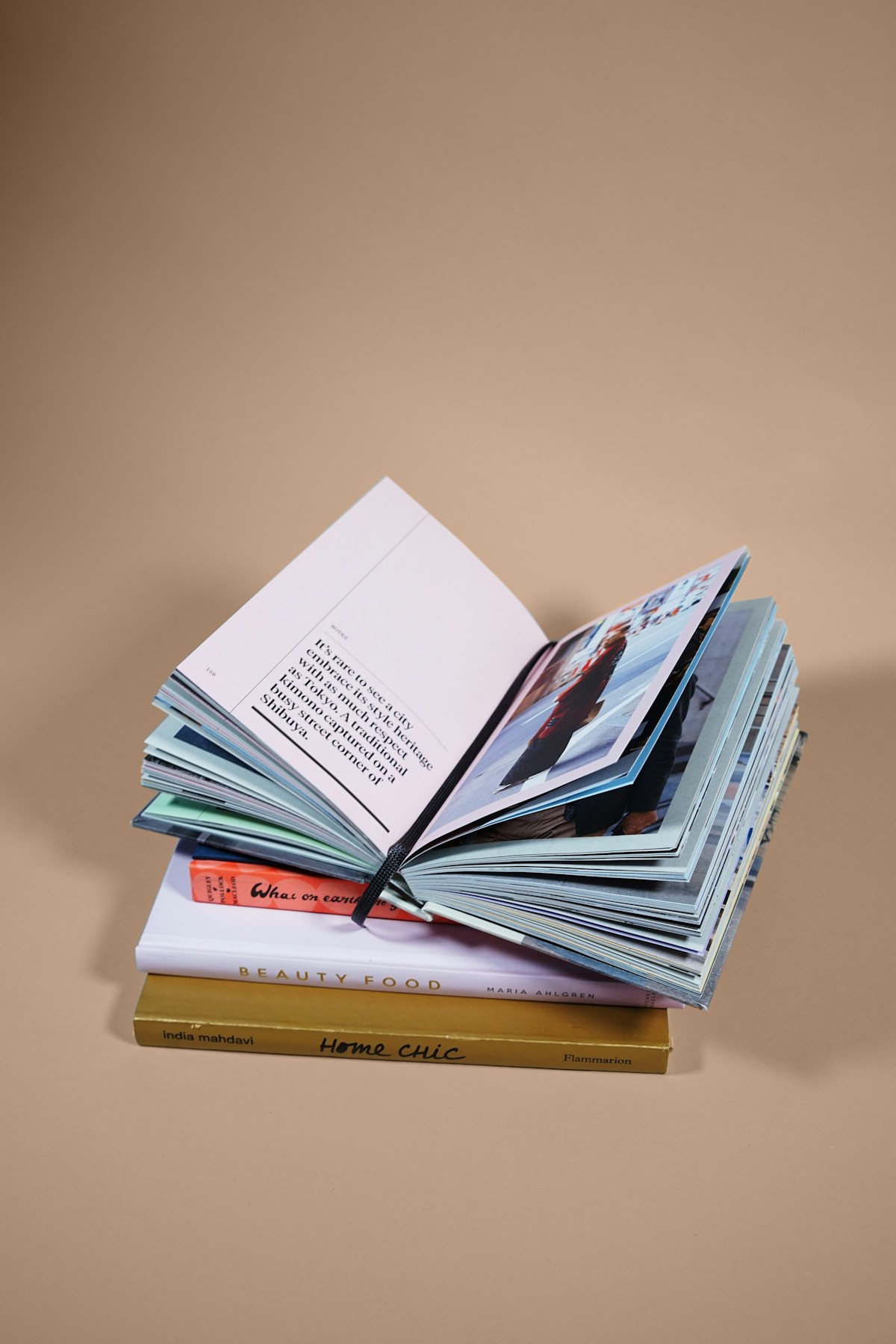
Design Principles That Sell Books
The 3-Second Rule
Your cover has 3 seconds to convince a browser to click. Here's what works:
- Big, bold title - Readable as a thumbnail
- High contrast - Stands out in search results
- Genre-appropriate - Looks like other bestsellers in your category
- Professional typography - No more than 2 fonts
- Clear subtitle - Explains the benefit
🎯 Cover Creation Methods:
Method 1: AI-Generated Covers (Fastest)
Specifications:
- Style: [Minimalist/Bold/Modern/Vintage]
- Color scheme: [2-3 colors]
- Mood: [Professional/Energetic/Calm/Inspirational]
- Include space for title and author name
- High resolution, 2560x1600 pixels
- No text on image (I'll add it separately)
Reference: Similar to bestselling books in [CATEGORY]"
Method 2: Canva Templates (Best Balance)
Step-by-Step Canva Process:
- Search "Book Cover" in Canva
- Filter by your genre (Business, Fiction, Self-Help, etc.)
- Choose a template with high ratings
- Customize colors to match your brand
- Replace text with your title/subtitle
- Export as PDF Print (300 DPI)
- Dimensions: 6"x9" or 8.5"x11" for standard books
🛠️ Cover Design Tools:
Best for beginners - Thousands of templates ($12.99/mo)
AI-generated unique cover art ($10-30/mo)
Professional design control ($20.99/mo)
Hire designers for $5-50 one-time
KDP-specific cover creators
Pre-made covers $29-99
📐 Amazon KDP Cover Specifications:
- Trim Size: 6"x9" (most popular), 5.5"x8.5", 8.5"x11"
- Resolution: 300 DPI minimum
- Format: PDF (print), JPG/PNG (eBook)
- Bleed: 0.125" extra on all sides
- Spine: Calculate based on page count (KDP calculator)
- Color Mode: CMYK for print, RGB for eBook
📤 Step 4: Publish & Optimize for Sales
The Publishing Checklist
Before You Upload:
- ISBN: Get free from KDP or buy your own ($125)
- Copyright: Automatic upon creation, but register for protection
- Interior formatting: Use Kindle Create (free) or Atticus ($147)
- Proofread: Run through Grammarly + human review
- Test on multiple devices: Phone, tablet, Kindle
KDP Upload Process:
- Step 1: KDP Book Details - Title, subtitle, series, edition
- Step 2: Description - Use HTML for formatting (bold, bullets)
- Step 3: Keywords - 7 slots, use long-tail phrases
- Step 4: Categories - Choose 2, browse for hidden categories
- Step 5: Age range - If applicable
- Step 6: Upload manuscript & cover
- Step 7: ISBN assignment
- Step 8: Pricing - $9.99 for 70% royalty (between $2.99-$9.99)
- Step 9: KDP Select - Enroll for Kindle Unlimited (optional)
- Step 10: Publish - Takes 24-72 hours to go live
🔍 Keyword Optimization Strategy:
The 7 Keyword Slots Formula:
- Primary keyword: "weight loss guide"
- Problem-focused: "how to lose weight fast"
- Audience-specific: "weight loss for women over 40"
- Solution-based: "intermittent fasting meal plan"
- Format type: "workbook with exercises"
- Benefit-driven: "lose 10 pounds in 30 days"
- Long-tail: "keto diet for beginners step by step"
📝 Description Template (Copy This):
🛠️ Publishing & Formatting Tools:
Free publishing platform
Free formatting tool from Amazon
All-in-one writing & formatting ($147 one-time)
Professional proofreading (Free-$30/mo)
Buy ISBNs ($125 for one, $295 for 10)
Free support & tutorials
📈 Step 5: Scale with Amazon Ads (Optional)

Amazon Ads for Beginners
Why Amazon Ads Work:
- Target people already searching for books like yours
- Pay only when someone clicks (PPC)
- Start with $5/day budget
- Scale what works, pause what doesn't
Campaign Setup:
- Campaign Type: Sponsored Products
- Targeting: Automatic (start) → Manual (scale)
- Bid Strategy: Dynamic bids - down only
- Budget: $5-10/day to start
- Default bid: $0.25-0.50 per click
💰 The Math:
• Book price: $9.99
• Your royalty (70%): $6.99
• Ad cost per sale: $3.00
• Profit per sale: $3.99
Sell 10 books/day = $1,197/month profit
Sell 25 books/day = $2,992/month profit
🛠️ Amazon Ads Tools:
Official advertising platform (Free)
Keyword research & ads management ($9.99/mo)
Also includes ads keyword data ($97 one-time)
📅 Your 30-Day Launch Plan
- Days 1-3: Research 5 profitable niches using Publisher Rocket
- Days 4-5: Choose 1 niche and analyze top 10 competitors
- Days 6-7: Create detailed outline using AI prompts
- Days 8-10: Write full manuscript (1 hour/day using AI)
- Days 11-12: Edit and proofread (Grammarly + manual)
- Days 13-14: Design cover (Canva or hire on Fiverr)
- Days 15-16: Format interior (Kindle Create)
- Days 17-18: Write description and choose keywords
- Days 19-20: Upload to KDP and publish
- Days 21-23: Wait for approval (24-72 hours)
- Days 24-25: Order proof copy, review quality
- Days 26-27: Create author central profile
- Days 28-30: Launch Amazon Ads campaign ($5/day)
🚀 Scaling to $1,500/Month
The Portfolio Approach:
Don't rely on one book. Build a portfolio:
Month 1: Publish Book #1 → $300/month
Month 2: Publish Book #2 → $600/month
Month 3: Publish Book #3 → $900/month
Month 4: Publish Book #4 → $1,200/month
Month 5: Publish Book #5 → $1,500/month
OR - Scale one winner with ads to 5 sales/day
Advanced Strategies:
- Create series (Book 1, 2, 3) - Readers buy all
- Cross-promote in back matter of each book
- Build email list with free lead magnet
- Expand to audiobooks (ACX platform)
- Translate to other languages (Spanish, German)
- Create workbooks/companions to main books
- Bundle books together at discount
- Run Kindle Countdown Deals for visibility
⚠️ Reality Check:
- This is NOT get-rich-quick - It takes consistent work
- Quality matters - Bad books get bad reviews and die
- Competition is real - You must serve your niche better
- First book might flop - That's normal, keep going
- Amazon can change rules - Diversify long-term
- Taxes apply - Set aside 25-30% for taxes
🎯 Your Next Step
You have the complete system. The tools. The prompts. The strategy.
The only question is: Will you execute?
In 30 days, you could have your first book live on Amazon.
In 90 days, you could be earning $900/month passively.
In 1 year, you could have a portfolio generating $5,000+/month.
Remember: The best time to plant a tree was 20 years ago.
The second best time is NOW.


Comments